Dreamscape Learn · PC VR · 2024 Role: UX/UI Designer: initial flow and mockups, implemented by the development team
The platform layer students go through before a course begins: calibrating their hands and desk, choosing a destination, setting up an avatar and adjusting settings. I designed the initial flow and the mockups, including the calibration tutorial and two iterations of the destination screen. The team then implemented it.
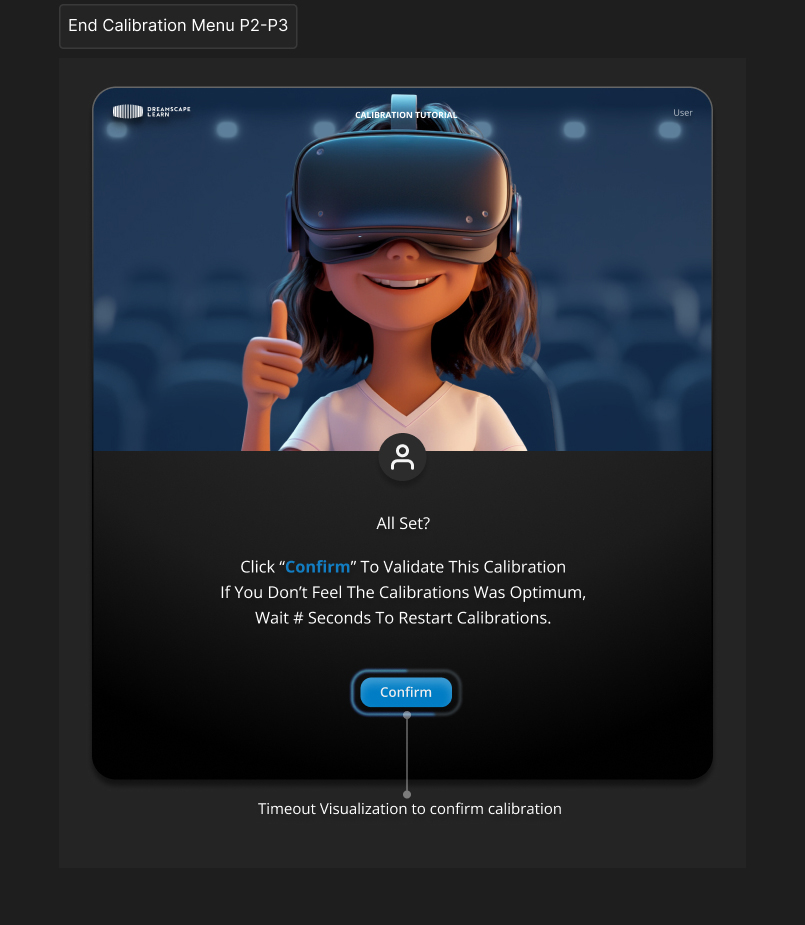
Hand calibration: an animated tutorial shows the pose, then students place both hands on the markers.Hand calibration flow, from Start to the calibration screen.Desk calibration: hands on the edge of the desk, following the same tutorial pattern.Desk calibration flow.End of calibration: students confirm it, or let the timer run out to recalibrate.Destination selection, v1: a horizontal carousel.Destination selection, v2: a grid that shows more destinations at once.Travel confirmation before moving to the next destination.Avatar setup.Settings, with the same bottom navigation bar as the rest of the platform.